Module 01 · Accounting and finance

Accounting software: chart of accounts, cash desk and bank

The chart of accounts, journal entries, the cash desk, banks, currencies and the VAT accounts are in one place. Posting schemes make the entries for you.

Updated on

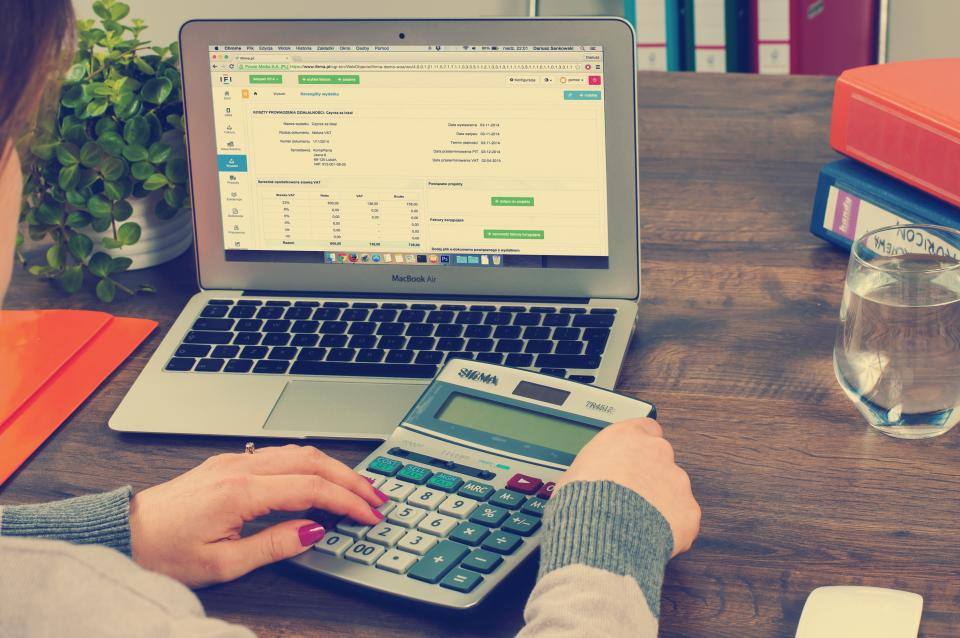
Hands working with a calculator next to a laptop showing a financial table

In short

A chart of accounts as a tree and as a table, cash receipt and payment vouchers, several currencies and posting schemes that make the entries for you.

13 features

What the module does

All of it is in the product today.

  • We give you a full chart of accounts, shown as a tree and as a table, with line items and positions that you configure to suit your business.
  • You enter journal entries manually or import them from Excel, and export them to Excel and PDF.
  • You configure the posting periods yourself, and we block transactions outside the allowed period.
  • We close the fiscal year and open the new one, together with recording the opening balances.
  • You manage the cash desk and banks with cash receipt vouchers, payment vouchers, deposits and withdrawals, each with its own printable document.
  • You can also import cash and bank vouchers from Excel, and we link them automatically to the matching invoices and to the amounts settled.
  • You build cost centres in a tree structure, with dedicated schemes and detailed reporting for each one.
  • You allocate expenses across documents and items, with the corresponding document.
  • You work with several currencies at the same time, with an exchange rate for each document and separate accounts for exchange gains or losses.
  • We update exchange rates automatically from official sources, including the Bank of Albania.
  • You configure posting schemes once for items, assets, manufacturing and human resources; after that, for example, the monthly payroll list goes into the accounts on its own.
  • You configure the VAT accounts in full: deductible, payable, receivable and to be adjusted.
  • For quick corrections to balances, we give you adjustment transactions for customers and suppliers.

How a month goes in the accounts

Most entries are not keyed in by hand. Sales and purchase invoices, the payroll list, assets and manufacturing go into journal entries through posting schemes, which you configure once. The accountant only adds the transactions that do not come from another document, with manual journal entries or with an import from Excel.

The cash desk and banks are tracked with vouchers. You import bank vouchers from Excel and they link themselves to the invoices they settle, so customer and supplier balances come out reconciled without chasing them invoice by invoice. For foreign currency transactions, each document keeps its own rate, rates are updated from the Bank of Albania, and the exchange gain or loss goes to its own account.

At the end of the month, the VAT accounts (deductible, payable, receivable and to be adjusted) give you the figures you compare with the VAT return, which is filed by the 14th of the following month. Then you lock the period, so that nobody posts to a month that has already been declared.

Closing the year

The fiscal year is closed in the program and the new year opens with the opening balances, without re-entering the balance sheet. Before that come the stock count, the reconciliations, the 31 December exchange rate and depreciation; we have listed them in the year-end closing checklist (in Albanian). What changed in the accounting law this year is in Law 87/2026 (in Albanian).

If you keep the books of several companies, each one has its own database and you switch between them instantly. See also software for accounting firms.

Questions

Frequently asked questions

Questions about the Accounting and finance module.

  • Can I work with several companies and several fiscal years?

    Yes. Each company has its own database and you switch from one to another instantly, so an accounting firm keeps its clients in the same system without mixing their data. At the end of the year you close the fiscal year and open the new one, together with the opening balances.

  • Can I import my data from Excel?

    Yes. We give you over 35 types of Excel import, with ready-made templates to download, for all the main records and documents. Journal entries, cash and bank vouchers, employees and payroll lists are also imported from Excel.

Blog

Related guides

The deadlines, figures and steps related to this module, from the devBooks blog.

All blog posts

Related

Modules that work together with this one

A monitor showing a reporting chart on a bright work desk

Reporting and analytics

Around 70 ready-made reports, the financial statements, the sales and purchase ledgers and reports that are emailed automatically.

A handshake over a table after an agreement

Sales and purchasing

Request, quote, order and invoice linked to each other, invoice settlement and vouchers generated on posting.

A laptop and a phone on a white table

Integrations and data exchange

Automatic import from SelfCare and fiscalization through devPOS, integration in both directions and over 35 types of import from Excel.

All features Devi, the AI assistant Request a demo of this module

See devBooks with data like yours

We show you the system in a short demo built around your own processes: accounting, invoices from SelfCare, inventory and the reports you need.

Request a Demo Free

or call or write to