Module 04 · Inventory and warehouse

Inventory and warehouse: warehouse software for several warehouses

Stock is tracked for each warehouse separately, with goods receipt and issue notes, serial numbers, barcodes and minimum stock alerts.

Updated on

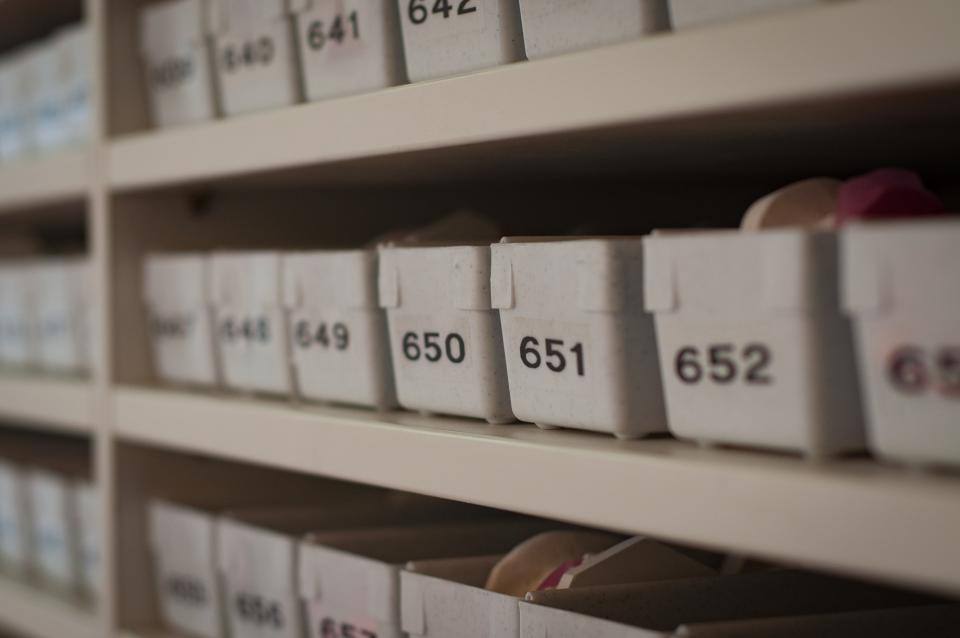
Numbered storage boxes on shelves

In short

Several warehouses, goods receipt and issue notes with approval, serial numbers, barcodes and an alert when an item falls below minimum stock.

11 features

What the module does

All of it is in the product today.

  • You work with several warehouses, with goods receipt notes, goods issue notes and warehouse transfers, with the option of approval before posting.
  • We handle stock receipts and issues with a priority set at item level: if the item has a main warehouse on its record, we issue the stock automatically from that warehouse, whatever warehouse is used on the invoice, which keeps the inventory accurate and consistent.
  • We manage item reservations so that the stock available for the other operational documents is always accurate.
  • We track items with unique serial numbers and a full movement history for each one.
  • You scan barcodes as you work and import and export them in bulk.
  • We keep units of measure split into a base unit and a purchase unit with conversion factors, so stock always stays in the base unit.
  • You revalue the inventory and change the quantity or the price, with a full accounting trail.
  • You allow or block negative stock according to your policy.
  • We alert you automatically about items below minimum stock and above maximum stock.
  • For each item we keep a detailed movement card, with the cost and quantity at any moment.
  • We manage warranty periods, vehicles and carriers, linked to the movement documents.

Stock that matches the accounts

Every stock movement has its own document: a goods receipt note when goods arrive, a goods issue note when they are sold or used up, a warehouse transfer when they move from one warehouse to another. Receipt and issue notes are generated automatically from purchase and sales invoices, and you can require approval before they are posted. That way the quantity in the warehouse and the value in the accounts come from the same documents.

If an item has a main warehouse on its record, the stock is issued from that warehouse even when the invoice was made from another one. Reserved goods do not show as available on other documents, and you allow or block negative stock according to your policy. When you buy by the box and sell by the piece, the conversion factor keeps the stock in the base unit.

The year-end stock count

Law 25/2018 requires a stock count at least once in each reporting period, and the General Directorate of Taxes (DPT) asks for the detailed inventory position at 31 December, with unit, quantity, price and value. The movement card of each item gives the quantity and cost at any moment, so you record the differences from the physical count before closing, with an inventory revaluation and a full accounting trail. The other steps are in the year-end closing checklist (in Albanian).

For shops with many items, barcodes are scanned as you work and imported in bulk; see software for shops and markets.


Related

Modules that work together with this one

A handshake over a table after an agreement

Sales and purchasing

Request, quote, order and invoice linked to each other, invoice settlement and vouchers generated on posting.

A production line with hanging car parts

Manufacturing

Recipes with legal and management waste, a sheet for every stage and posting schemes for work in progress.

A cashier at the counter of a cafe with a point of sale

Cash desk and point of sale

A dedicated point of sale interface, barcode scanning, split payments and a till with a trail for each cashier.

All features Devi, the AI assistant Request a demo of this module

See devBooks with data like yours

We show you the system in a short demo built around your own processes: accounting, invoices from SelfCare, inventory and the reports you need.

Request a Demo Free

or call or write to