
Solutions · Software for shops and markets

Software for shops and markets: barcode till, stock and accounting in one system

The cashier scans the barcode, stock is tracked for each warehouse and the sales invoice goes into the accounts automatically. When an item falls below the minimum stock, the system notifies you.

Updated on

The barcode till

The point of sale has its own interface, and every cashier closes the till under their own audit trail.

  • The cashier works in a separate point-of-sale interface: they pick the item from categories with images, search for it or scan the barcode.
  • You scan barcodes as you work and import and export them in bulk.
  • The till is opened, closed and declared with a full audit trail for each cashier.
  • Payments are split across several methods, you work with discount coupons and you print in A4 format.
  • Point-of-sale invoices are linked directly to the accounts and to the warehouse.

Stock on the shelves and in the warehouse

Stock is tracked for each warehouse separately, with goods receipt and goods issue notes and minimum stock alerts.

  • Work with several warehouses, with goods receipt notes, goods issue notes and stock transfers, and the option of approval before posting.
  • We notify you automatically about items below the minimum stock and above the maximum stock.
  • Units of measure are split into base units and purchase units with conversion factors, so stock is always kept in the base unit.
  • Revalue the inventory and change the quantity or the price, with a full accounting trail.
  • Items that have a serial number are tracked by unique serial numbers, with a full history of their movements.
  • Warranty periods are managed and linked to the movement documents.

Prices, suppliers and invoices

Supplier invoices come in from the SelfCare portal, and the selling price is set by customer, group or item.

  • Set price and discount levels by customer, group or item.
  • We calculate the sales margin for you, in total and in detail.
  • Purchase and sales invoices from SelfCare are imported automatically through devPOS.
  • Supplier items are matched automatically to your own items through import templates.
  • The goods receipt note is generated automatically from the purchase invoice, and the goods issue note from the sales invoice.
  • Invoices are fiscalized through devPOS, and you check the payment status from the system.

Reports and control

Every posted document shows up in the reports straight away, and each user sees only what they are allowed to see.

  • On the dashboard you see the profit margin, the inventory turnover and the cash position.
  • Sales and purchases are compared automatically with the previous period, for the same days of the month.
  • The sales and purchase ledgers are filled in from the invoices you record, without compiling them separately.
  • Verification reports for customers, suppliers and items help you with reconciliation.
  • Group over 500 separate permissions into roles, plus dedicated restrictions for specific users.
  • For every document we keep a full trail: who created it, who changed it and when.

Modules

The modules you use

A cashier at the counter of a cafe with a point of sale

Cash desk and point of sale

A dedicated point of sale interface, barcode scanning, split payments and a till with a trail for each cashier.
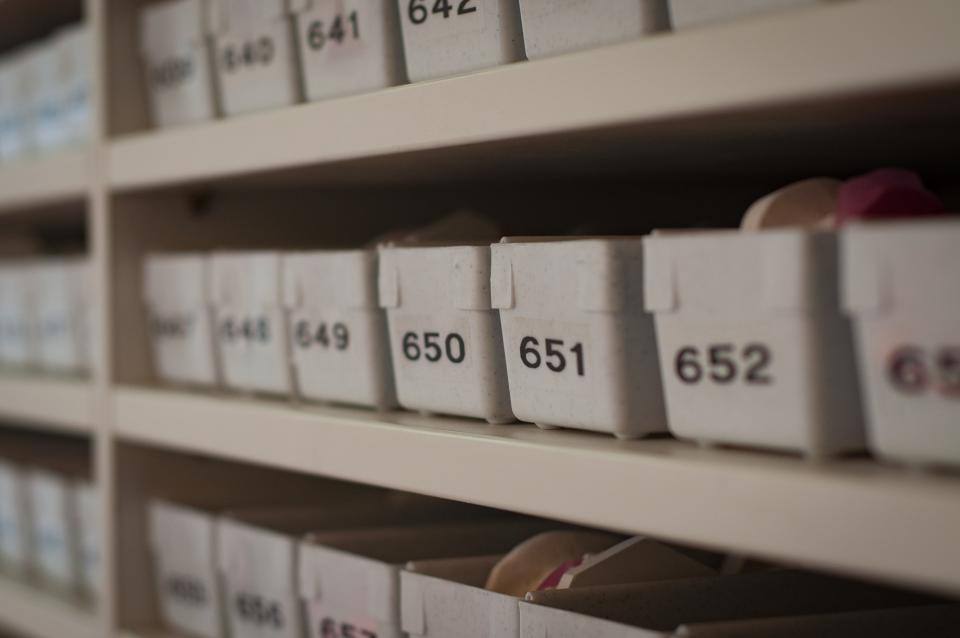
Numbered storage boxes on shelves

Inventory and warehouse

Several warehouses, goods receipt and issue notes with approval, serial numbers, barcodes and an alert when an item falls below minimum stock.

A handshake over a table after an agreement

Sales and purchasing

Request, quote, order and invoice linked to each other, invoice settlement and vouchers generated on posting.

A laptop and a phone on a white table

Integrations and data exchange

Automatic import from SelfCare and fiscalization through devPOS, integration in both directions and over 35 types of import from Excel.
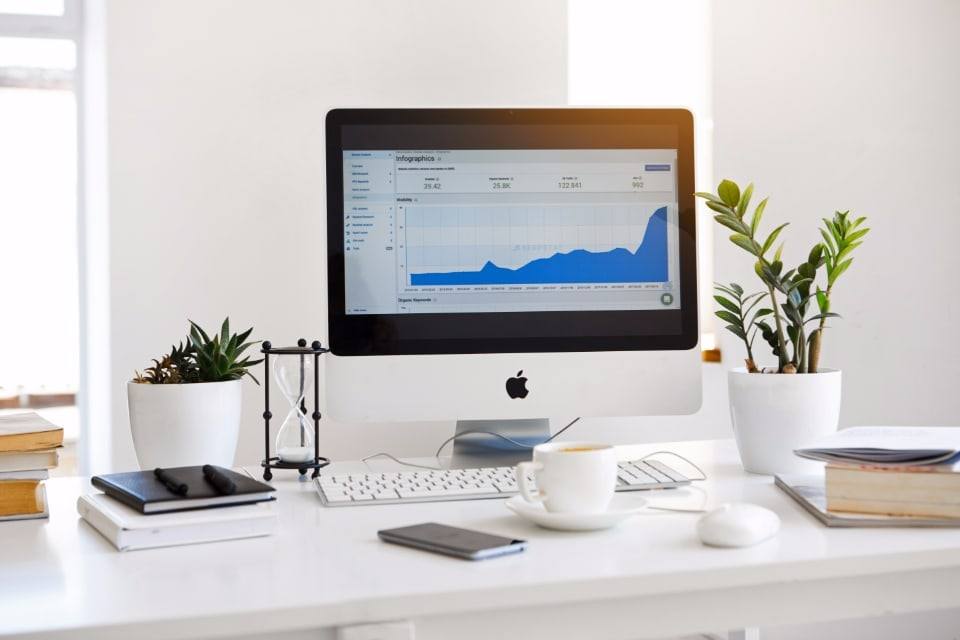
A monitor showing a reporting chart on a bright work desk

Reporting and analytics

Around 70 ready-made reports, the financial statements, the sales and purchase ledgers and reports that are emailed automatically.

Questions

Frequently asked questions

  • Does the till work with barcode scanning?

    Yes. The cashier scans the barcode, searches for the item or picks it from categories with images. You import and export item barcodes in bulk, so you do not enter them one by one when you open the shop or when new stock arrives.

  • How do I know when an item is running out?

    The system notifies you automatically about items below the minimum stock and above the maximum stock. For every item you have its stock card, with the cost and the quantity at any moment, and you allow or block negative stock according to your own policy.

  • I have two shops. Can I track the stock of each one separately?

    Yes. You work with several warehouses and stock is tracked for each one separately, with goods receipt notes, goods issue notes and stock transfers between them. If the item card names a main warehouse, the goods are issued automatically from that warehouse.

  • How much does the software cost for a market or shop?

    It depends on the type of business, the modules and the users. "Sales, small business", for retail and small businesses with a warehouse, starts at 31,000 lek a year including VAT, with 3 users. "Sales, medium business", for wholesale and medium-sized businesses, starts at 39,000 lek, with 5 users. Work out the total on the pricing page.

  • Can I keep the till software I already have?

    Yes. We integrate your existing fiscalization software through SelfCare for 2,000 lek a year. If you move to devPOS, we give you devPOS free for the period left on your current contract, and after that you continue with 30% off.

See devBooks with data like yours

We show you the system in a short demo built around your own processes: accounting, invoices from SelfCare, inventory and the reports you need.

Request a Demo Free

or call or write to