Solutions · Software for accounting firms

Software for accounting firms: all your clients in one system

Every company you manage has its own database and its own fiscal years, and you switch from one to another instantly. Records and documents come in from Excel, and the financial statements are produced from the entries.

Updated on

All your clients in one system

Each company has its own database, so client data does not get mixed up.

  • Work with several companies and several fiscal years, where each company has its own database and switching between them is instant.
  • Close the fiscal year and open the new one together with the entry of the opening balances.
  • You configure the posting periods yourself, and operations outside the allowed period are blocked.
  • Group over 500 separate permissions into roles, plus dedicated restrictions for specific users.
  • For every document and record we keep a full trail: who created it, who changed it and when.

Client documents without retyping

Records, journal entries and cash and bank vouchers come in from Excel, without retyping.

  • Over 35 types of Excel import, with ready-made templates to download, for all the main records and documents.
  • Record journal entries manually or import them from Excel, and export them to Excel and PDF.
  • Import cash and bank vouchers from Excel, and they are matched automatically to the related invoices and to the settled amounts.
  • In the integrations panel you see statuses and errors, and you correct the code, name, NIPT (tax ID), address or ledger account across all the items at once.

Automatic entries, currencies and VAT

You configure the posting schemes once, and the journal entries are made from the documents automatically.

  • The chart of accounts is complete, as a tree and as a table, with lines and positions that you configure to fit the business.
  • Configure the posting schemes once for items, fixed assets, manufacturing and human resources.
  • Configure the VAT accounts in full: deductible, payable, receivable and to be adjusted.
  • Work with several currencies at the same time, with an exchange rate for each document, and the rates are updated automatically from official sources, including the Bank of Albania.
  • For quick corrections of balances you have adjustment operations for customers and suppliers.

Financial statements, ledgers and reports

The financial statements, the tax returns and the sales and purchase ledgers come from the data you record.

  • Financial statements and tax returns are generated automatically, including the statement of assets and liabilities, the cash flow statement and the statement of performance.
  • The sales and purchase ledgers are filled in from the invoices you record, without compiling them separately.
  • About 70 ready-made reports cover accounting, sales, purchasing, inventory, fixed assets, manufacturing, cash and banks.
  • Verification reports for customers, suppliers and items help you with reconciliation.
  • Schedule reports once, and they are generated and sent by email at the frequency you choose.
  • Every report exports to Excel and PDF, with the columns and filters saved for next time.

Clients' payroll and fixed assets

The payroll list and depreciation go into the accounts automatically, with the schemes you configure.

  • Process the payroll list with the salary calculator, which covers bonuses, deductions and the calendar of public holidays.
  • Import and export employees, bonuses, deductions and payroll lists to and from Excel.
  • With the posting schemes you configure, the payroll list goes into the accounts automatically.
  • We calculate tax and management depreciation in parallel, with methods you choose yourself.

Modules

The modules you use

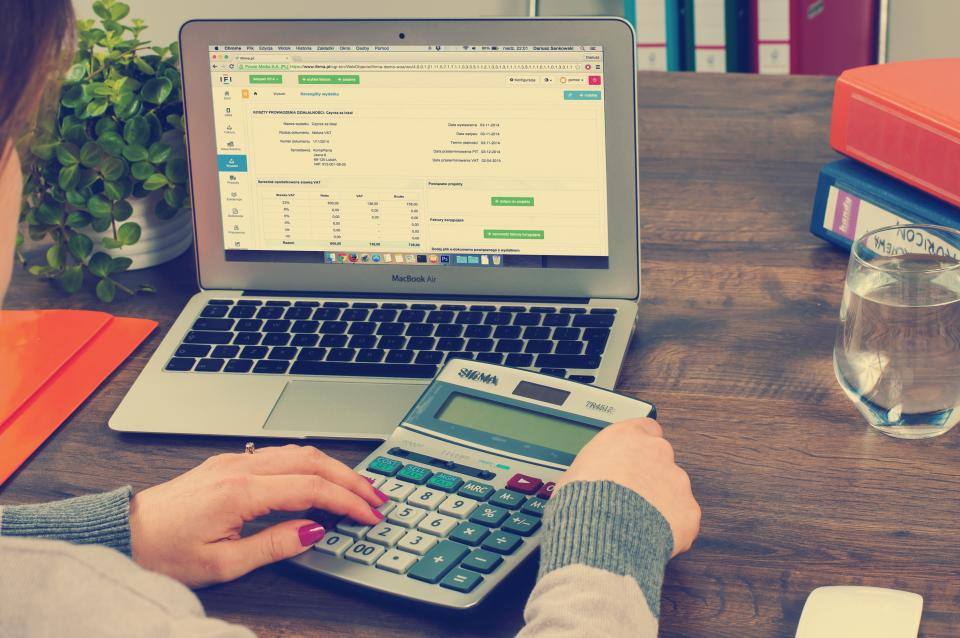
Hands working with a calculator next to a laptop showing a financial table

Accounting and finance

A chart of accounts as a tree and as a table, cash receipt and payment vouchers, several currencies and posting schemes that make the entries for you.
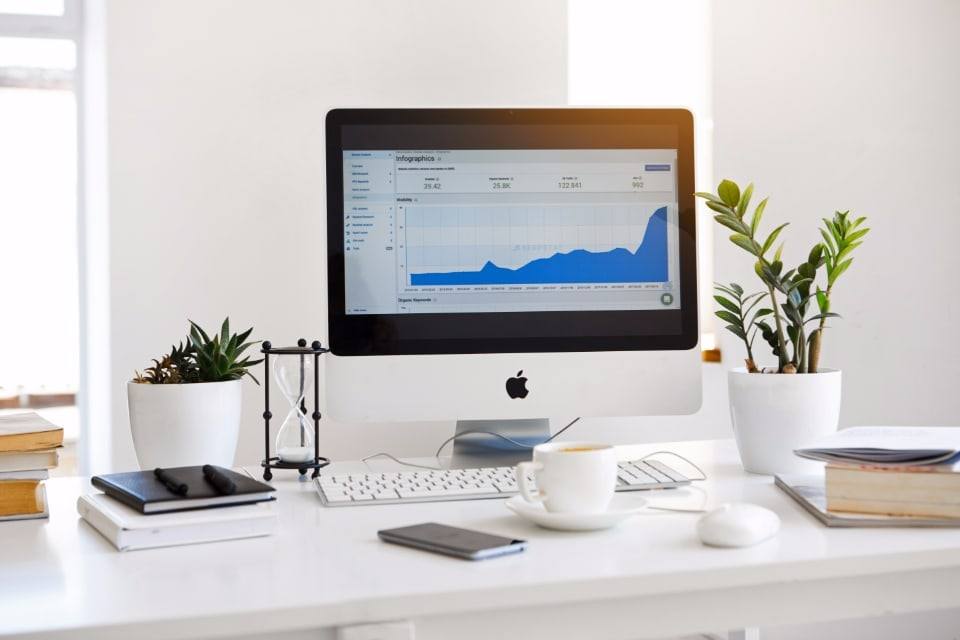
A monitor showing a reporting chart on a bright work desk

Reporting and analytics

Around 70 ready-made reports, the financial statements, the sales and purchase ledgers and reports that are emailed automatically.

A laptop and a phone on a white table

Integrations and data exchange

Automatic import from SelfCare and fiscalization through devPOS, integration in both directions and over 35 types of import from Excel.

A team in a work meeting in an office

Human resources

The employee register, the salary calculator with bonuses and deductions, and the payroll list that goes into the accounts on its own.

Questions

Frequently asked questions

  • How many companies can I keep with one package?

    The "Accountant" package, for firms that keep the books of several businesses, covers up to 30 entities with 3 users and does not accept extra users; fiscalization is not offered with this package. The base price is set by agreement, according to the entities you manage. The HR module is added for 12,000 lek a year, fixed assets for 9,000 and inventory for 60,000 lek, with inventory revaluation and customs declarations included. See pricing.

  • Is each client's data kept separate from the others?

    Yes. Each company has its own database, and you switch from one to another instantly. With over 500 separate permissions in roles and with restrictions for specific users, you decide who works with which company and what they see.

  • How do I bring existing clients over from old software or from Excel?

    With over 35 types of Excel import, with ready-made templates for the main records and documents. Journal entries, cash and bank vouchers, employees and payroll lists are imported the same way, and you open the new year with the opening balances. We list the migration steps in our guide to online or desktop accounting software (in Albanian).

  • Can the firm's staff work outside the office?

    Yes. devBooks works on the web, with no installation, and has an Android app. Sign-in is in two steps or with a Google account, with the account locked after failed attempts, and when you sign out, the conversation with Devi is cleared automatically, so nothing stays on shared computers.

See devBooks with data like yours

We show you the system in a short demo built around your own processes: accounting, invoices from SelfCare, inventory and the reports you need.

Request a Demo Free

or call or write to