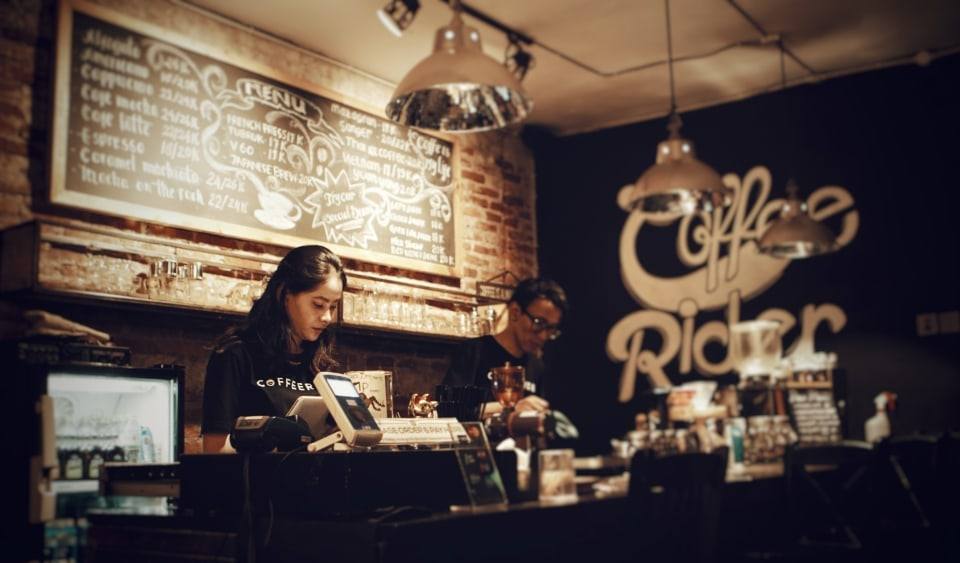
Cash desk and point of sale
A dedicated point of sale interface, barcode scanning, split payments and a till with a trail for each cashier.
Solutions · Software for restaurants and bars
The cashier sells from a separate interface, and every point-of-sale invoice goes into the warehouse and the accounts automatically. Purchase invoices from the SelfCare portal come in without retyping, and fiscalization is done through devPOS.
Updated on
The point of sale has its own interface, and the till is opened, closed and declared for each cashier.
Stock is tracked for each warehouse separately, with an alert when an item falls below the minimum.
For the products you prepare yourself, you build the recipe, with statutory and management waste.
Purchase invoices from SelfCare come in by themselves, and the supplier invoice creates the goods receipt note in the warehouse.
The payroll list goes into the accounts automatically, and the key indicators are visible without waiting for the month-end close.
Modules
A dedicated point of sale interface, barcode scanning, split payments and a till with a trail for each cashier.
Several warehouses, goods receipt and issue notes with approval, serial numbers, barcodes and an alert when an item falls below minimum stock.

Recipes with legal and management waste, a sheet for every stage and posting schemes for work in progress.
Automatic import from SelfCare and fiscalization through devPOS, integration in both directions and over 35 types of import from Excel.
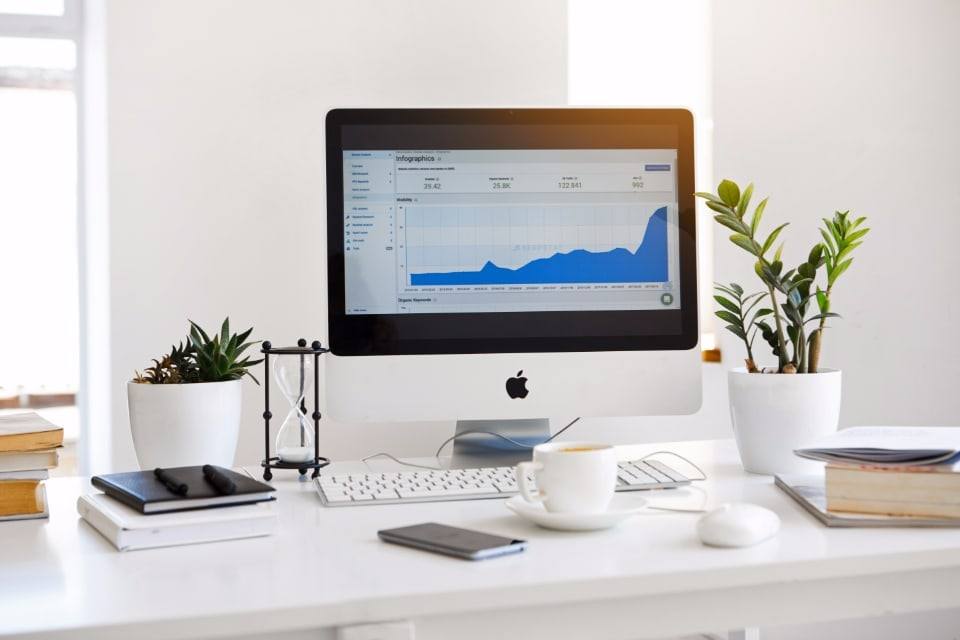
Around 70 ready-made reports, the financial statements, the sales and purchase ledgers and reports that are emailed automatically.
Questions
Yes. The cashier works in a separate point-of-sale interface: they pick the item from categories with images, search for it or scan the barcode, and split the payment across several methods. The till is opened, closed and declared for each cashier, and the invoices go directly into the warehouse and the accounts.
Through devPOS, the certified fiscalization system from dev.al, which works on computers, tablets and phones (iOS and Android), even without internet. From devBooks you check the payment status, and purchase and sales invoices from SelfCare are imported automatically. See the integrations.
No. We integrate your existing software through SelfCare for 2,000 lek a year. If you want to move to devPOS, we give you devPOS free for the period left on your current contract, and after that you continue with 30% off.
It depends on the type of business, the modules and the users. The "Sales, small business" package, for retail and small businesses with a warehouse, starts at 31,000 lek a year including VAT and includes 3 users; the inventory module is added for 6,000 lek. Work out the total on the pricing page.
Yes. devBooks has an Android app, and Devi, the AI assistant, also works on WhatsApp: ask for a balance or a report in writing or by voice message, without opening the app. It takes the answer from your own company data.
We show you the system in a short demo built around your own processes: accounting, invoices from SelfCare, inventory and the reports you need.
or call or write to